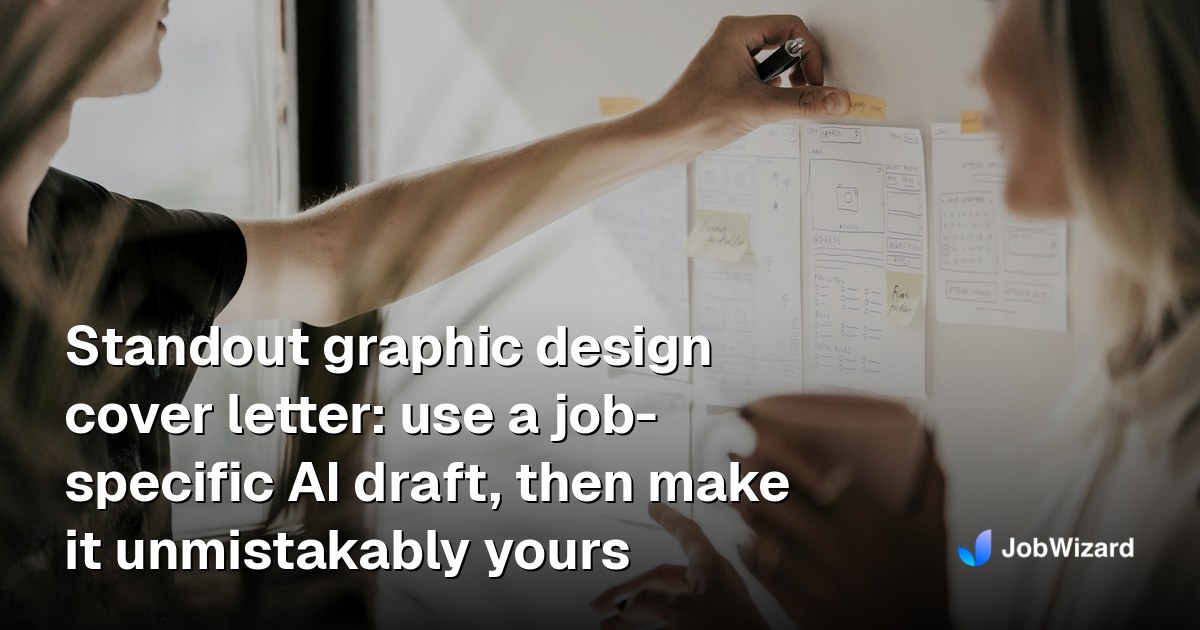
Standout graphic design cover letter: use a job-specific AI draft, then make it unmistakably yours
A graphic design cover letter should read like your portfolio speaks—clear, specific, and human. Use a job-specific AI cover letter draft, then edit it before you send.
Free Chrome extension
Generate this cover letter automatically
JobWizard drafts a tailored letter from your resume and the job description in seconds — free.
Hiring teams don’t just look for “good design”—they look for proof you can solve their problems. That’s why a strong graphic design cover letter needs to connect your portfolio to the specific role: what you’d make, how you’d think, and why you’re a fit for their workflow.
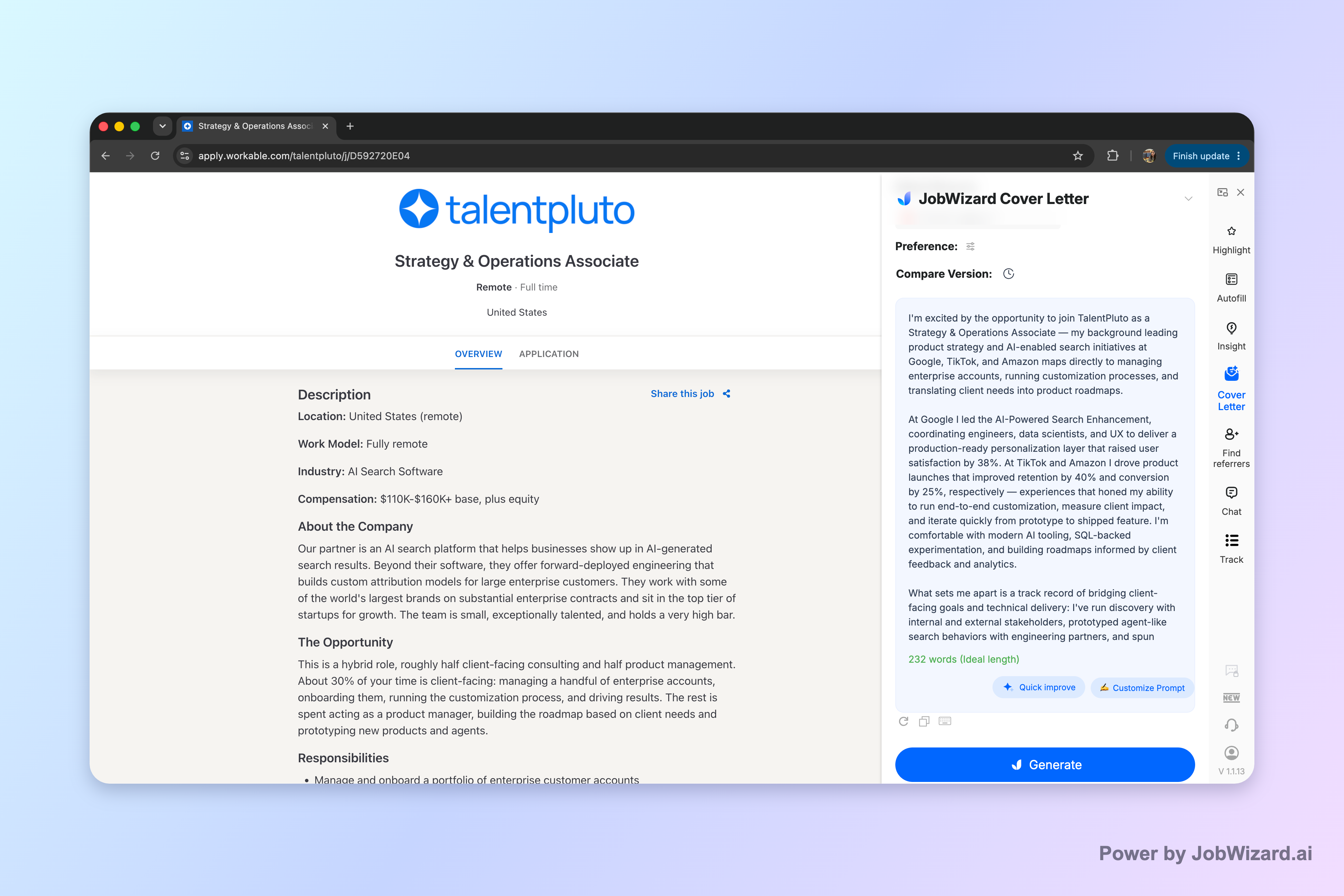
JobWizard can generate an editable first draft for a graphic design cover letter using the selected resume and the current job description—so you can start from a tailored baseline and then edit it to match your real voice.
Build a graphic design cover letter that matches the job post (fast but specific)
A graphic design cover letter works when it mirrors what the job asks for: deliverables, design style, collaboration, tools, and timing. Before you write, read the posting like a creative brief—highlight the exact needs they mention (branding, UI, print, campaigns, motion, or systems) and the constraints (audience, brand voice, deadlines, stakeholder review).
Then plan your letter as “portfolio-to-role translation.” You’re not restating your resume; you’re picking the most relevant proof and explaining your design choices in plain language.
Turn the job description into your letter’s outline
- Role focus: Identify the type of work they’re hiring for (e.g., brand identity, product UI, marketing design, packaging).
- Must-haves: Pull the keywords and requirements they repeat (tools, collaboration, accessibility, typography, brand guidelines).
- Proof points: Choose 1–2 projects that directly match the focus and constraints.
- Decision language: Plan 2–3 sentences that explain why you made key design choices.
What “specific” looks like (quick examples you can copy)
- Instead of: “I’m passionate about design.” → Try: “For [brand/product], I designed [asset/system] to improve [clarity/consistency/brand recognition] across [channels].”
- Instead of: “Skilled with Adobe.” → Try: “I used Illustrator/InDesign to build a scalable layout system for [deliverables], keeping typography and spacing consistent.”
- Instead of: “Works well with teams.” → Try: “I translated stakeholder feedback into controlled design iterations, maintaining hierarchy and brand rules.”
Use an AI-first workflow for your graphic design cover letter (then edit like a designer)
If you’re writing under a deadline, the quickest way to get a strong graphic design cover letter is to start with a job-specific draft—then refine details so it feels unmistakably you.
JobWizard uses your selected resume and the current job description to generate an editable cover letter draft. Before generating, you can choose length, format, tone, style, and focus, and then click into the draft to edit it directly.
Step-by-step: draft in minutes, customize in real details
- Select your resume: Use the one that matches the role you’re applying for.
- Use the job description: Paste or load the current posting so the draft aligns with their priorities.
- Choose tone and focus: Pick a style that fits (confident, friendly, design-forward) and keep it role-specific.
- Edit with proof: Replace any general claims with your real projects, decisions, and constraints.
- Review before you submit: Verify facts, add genuine personal details, and keep sponsorship/salary/EEO/custom questions for your own review if they appear during application.
Important: An AI draft is a starting point—not personalization. You must review facts and add genuine personal details before using the draft. Don’t claim higher callback rates or guaranteed personalization—focus on clarity, specificity, and fit.
What to change immediately (so it stops sounding templated)
- Replace vague impact: Swap “improved engagement” for the kind of outcome you can truthfully describe (what changed in the design, deliverable quality, adoption, clarity, consistency).
- Inject your process: Add one line about how you approach problems (research → concept routes → iteration → feedback → final system).
- Match their terminology: If they mention “brand system,” “typographic hierarchy,” or “accessibility,” reflect it in your language.
- Keep it human: Let your personality show through sentence rhythm and specific project details.
Write each section of a graphic design cover letter for maximum skim-ability
Hiring managers skim—so your graphic design cover letter should be easy to scan while still telling a compelling story. Aim for a tight structure that reads like a curated highlight reel.
Header + greeting
- Header: Your name, email, phone, portfolio/website URL, and location (if you include it).
- Greeting: Use the hiring manager’s name if available. If not, use a respectful default.
Portfolio link tip: Put it where it’s easy to find—near the top or in the first paragraph.
Paragraph 1: why this role + why now
Your opener should connect your design strengths to their hiring intent. Mention the role type and one reason you’re excited (brand, product, style, mission), then set up the proof you’ll share next.
- Good opener: “I’m excited to apply for the Graphic Designer role focused on [brand/product area]. My recent work in [relevant area] taught me how to build design systems that stay consistent across teams and deliverables.”
Paragraphs 2–3: proof projects (the heart of the letter)
Choose 1–2 projects. For each, include: what you designed, the context/constraint, and the design decisions you made. Keep it specific enough that someone could recognize the project from your portfolio.
- Project sentence formula: “For [client/team/product], I designed [deliverables] by [approach], resulting in [what improved in the work].”
- Design thinking sentence: Add one line that shows you understand constraints (typography, brand rules, production needs, accessibility, collaboration).
Closing: invite a clear next step
End with a confident close that points them to your portfolio and suggests an easy next step (reviewing your work, discussing fit). Don’t over-explain—just be direct.
- Strong close: “I’d love to discuss how my approach to [relevant focus] can support your team’s goals. You can view selected work here: [portfolio link].”
Graphic design cover letter examples you can adapt (by role type)
The fastest way to write a strong graphic design cover letter is to use a template based on the role type, then swap in your projects and language.
Below are adaptable “starter paragraphs” you can paste into your draft and edit for your specifics.
Example: Brand designer (identity + system)
Starter paragraph: “I’m applying for the Brand Designer role because I enjoy building identity systems that stay consistent across real-world touchpoints. In recent work, I developed [logo/typography/color/brand system] and translated it into practical templates for [deliverables], keeping hierarchy and spacing consistent from concept through production.”
Example: UI/UX visual designer (product-focused)
Starter paragraph: “I’m excited about this Visual/UI Designer position because it combines craft with collaboration. I’ve designed interfaces with attention to typography, spacing, and layout clarity, and I work iteratively with feedback so the final screens align with product goals while staying visually coherent.”
Example: Marketing designer (campaign assets)
Starter paragraph: “I’m interested in the Marketing Designer role because it demands speed, clarity, and strong visual storytelling. I’ve created campaign assets across [channels], using a repeatable layout approach so every deliverable feels on-brand while still adapting to each format’s constraints.”
Example: Motion/graphics designer (if applicable)
Starter paragraph: “I’m applying for the Motion/Graphics role because I like turning concepts into clear, memorable visuals. I’ve worked on [types of assets], focusing on timing, readability, and brand alignment—so motion supports the message instead of competing with it.”
Do this automatically with JobWizard
Skip the manual work — JobWizard's AI Cover Letters handles this for you.
FAQ: Graphic design cover letter questions (and direct answers)
What should I include in a graphic design cover letter?
Include a brief intro, 1–2 projects that match the role (what you did and the result), design-specific keywords from the job post, your tools/workflow at a high level, and a close that invites the hiring manager to view your portfolio.
How do I make my graphic design cover letter sound human (not generic)?
Use a job-specific draft, then replace any vague claims with concrete details: the project context, what you designed, constraints you solved, and why that approach fits this company’s needs. Keep your tone consistent with how you’d speak in a short interview.
Should I use AI to write my graphic design cover letter?
Yes—use AI to generate an editable first draft based on your resume and the current job description, then review and add genuine personal details before using it. Don’t rely on the draft as-is.
What format works best for a graphic design cover letter?
Use a standard cover letter format with your contact info, a tailored greeting, 2–3 short body paragraphs, and a confident closing. Keep it readable, avoid dense blocks, and make sure your portfolio link is easy to find.
Can I use the same graphic design cover letter for multiple applications?
You can reuse the structure, but not the specifics. Tailor each letter to the job description by swapping in relevant projects, design focus, and keywords the employer mentions, then proof for accuracy.
Next step: Want a head start that still sounds like you? Generate a graphic design cover letter draft in JobWizard for the current job description, then edit it directly with your real project details before submitting.
For more cover-letter strategy, explore: How to Write a Cover Letter with AI (Step-by-Step That Still Sounds Like You), and if you’re applying to a role where internal context matters, see A standout cover letter for internal position: prove you’re ready for the next step. If your design work overlaps with support or client communication, you may also find Cover Letter for Customer Service: a Template That Sounds Human (Plus AI Draft Steps) useful for tone and structure. And if you want your letter to teach your story clearly, try Teaching Cover Letter That Gets Interviews: Use an AI Draft, Then Make It Yours.
Frequently Asked Questions
Generate this cover letter automatically
JobWizard drafts a tailored letter from your resume and the job description in seconds — free.