How to Answer “Minimum Salary” on an Application Without Closing Doors
Learn how to answer the minimum salary question on application forms with scripts, salary ranges, and review steps that keep you in the running. Use smart autofill and double-check the final wording.

Free Chrome extension
Let AI answer these questions for you
JobWizard fills sponsorship, work-auth, and availability answers correctly on every application — free.
If you’ve ever seen the question “minimum salary” on a job application, you already know the risk: one number can make you look underqualified, over-demanding, or “hard to work with.” This guide shows how to answer minimum salary question on application forms with scripts and a strategy that keeps you competitive while you stay in control.
You’ll learn what to enter when the form wants a single number vs. a range, how to handle mismatch between your target and the company’s likely budget, and how to avoid locking yourself in with the wrong figure. You’ll also see where tools like JobWizard fit in—especially for faster autofill + a final review before you submit.
How to answer the minimum salary question: start with a “floor,” not a guess
Start by defining your minimum (your floor)—a number you can accept for the specific role and constraints (location, schedule, seniority, and responsibilities), not a number based on last year’s job.
Then decide how you’ll express it. Many applications funnel you into either a single “minimum” figure or a numeric entry that implies a floor. Your goal is to communicate a realistic baseline while leaving room to discuss total compensation later.
- Pick your floor first: your lowest acceptable annual/period compensation for this role.
- Confirm role scope: compare the responsibilities to your experience so your minimum matches the job you’re actually applying to.
- Account for location + seniority: a “minimum” in one market can be different in another.
If you’re unsure what the market expects, use the job posting’s clues (level, required years, typical department) and your own research. The best answers usually sound simple because the thinking behind them is clear.
Choose the right format: single number vs. range (with copy you can paste)
Match your answer format to what the field supports. If the form allows multiple values or a range, use it to reduce mismatch risk.
Below are practical options you can adapt. The right choice depends on how strict the application is and how much flexibility they give you.
If the form allows a range
Use a range that anchors your target and your realistic low. For example:
- Example (annualized range): “$85,000–$95,000”
- Example (floor-focused range): “$80,000–$90,000 (flexible based on total compensation and fit)”
When you use a range, you’re signaling you understand negotiation. You’re also making it less likely that a single number screens you out before you even get to a conversation.
If the form only allows one number
Enter the lowest number you’d accept for this exact setup. A typical paste-ready approach:
- Example (single minimum): “$80,000”
Important: if you choose a number too low just to get through filters, you may end up with interviews that go nowhere. If you choose a number too high, you risk appearing unrealistic. Your “floor” number is meant to be a decision you’d still feel good about on day one.
If you’re also dealing with other application questions (like screening prompts that can disqualify candidates early), it helps to build a consistent answer style across fields. See What Are Knockout Questions in Job Applications? How to Answer Without Getting Cut for more on staying aligned with how recruiters triage.
When your minimum doesn’t match their likely budget: how to stay credible
Don’t panic—use a “floor + flexibility” posture when you can explain or when you can align your minimum with what the role actually requires.
Sometimes your research suggests the company will pay below your usual expectations. In that case, you want to protect two things: your financial reality and your credibility. “Credible” usually means your number matches the job’s level, not an emotional response to the posting.
Use these tactics (in the order you should think)
- Re-check job scope: are you underestimating complexity, ownership, or seniority?
- Re-check constraints: is there relocation, travel, shift work, or a tighter schedule than you assumed?
- Set a floor you can live with: this becomes your minimum salary entry.
- Leave negotiation leverage: if there’s any free-text space, keep it brief and tied to total compensation and fit.
If the form includes salary-related questions beyond minimum (desired compensation, salary history, or similar), treat them as a system—not separate random fields. Your minimum should be consistent with your desired compensation. For deeper context on what to enter in other “salary expectation” variations, this guide pairs well with What To Put When a Job Application Asks for Minimum Salary (Best Answers + Examples).
Also, remember that autofill tools can help you move faster, but you still own the final decision on salary wording. JobWizard autofills an average of ~18 repetitive fields per application (typically 11–23), while you review and submit—so the minimum salary field is still something you should personally validate right before submitting.
Use autofill wisely: speed up repetitive fields, then review the salary-critical ones
Autofill is for speed, not for “set and forget.” The minimum salary question is exactly the kind of field you should verify before you hit submit.
Here’s a practical approach: let a tool handle repetitive inputs, then review the salary, sponsorship / EEO-related items, and custom questions yourself. That’s how you avoid accidental mismatch (wrong number, wrong formatting, or outdated assumptions) while still reducing busywork.
JobWizard autofill + review-before-submit: JobWizard fills repetitive fields fast, and you review sponsorship/salary/EEO/custom questions before submitting your application.
If you’re using Workday, you’ll see the most time saved there; approximately ~65% of applications submitted through JobWizard are on Workday. But regardless of platform, treat the salary field as a high-stakes input.
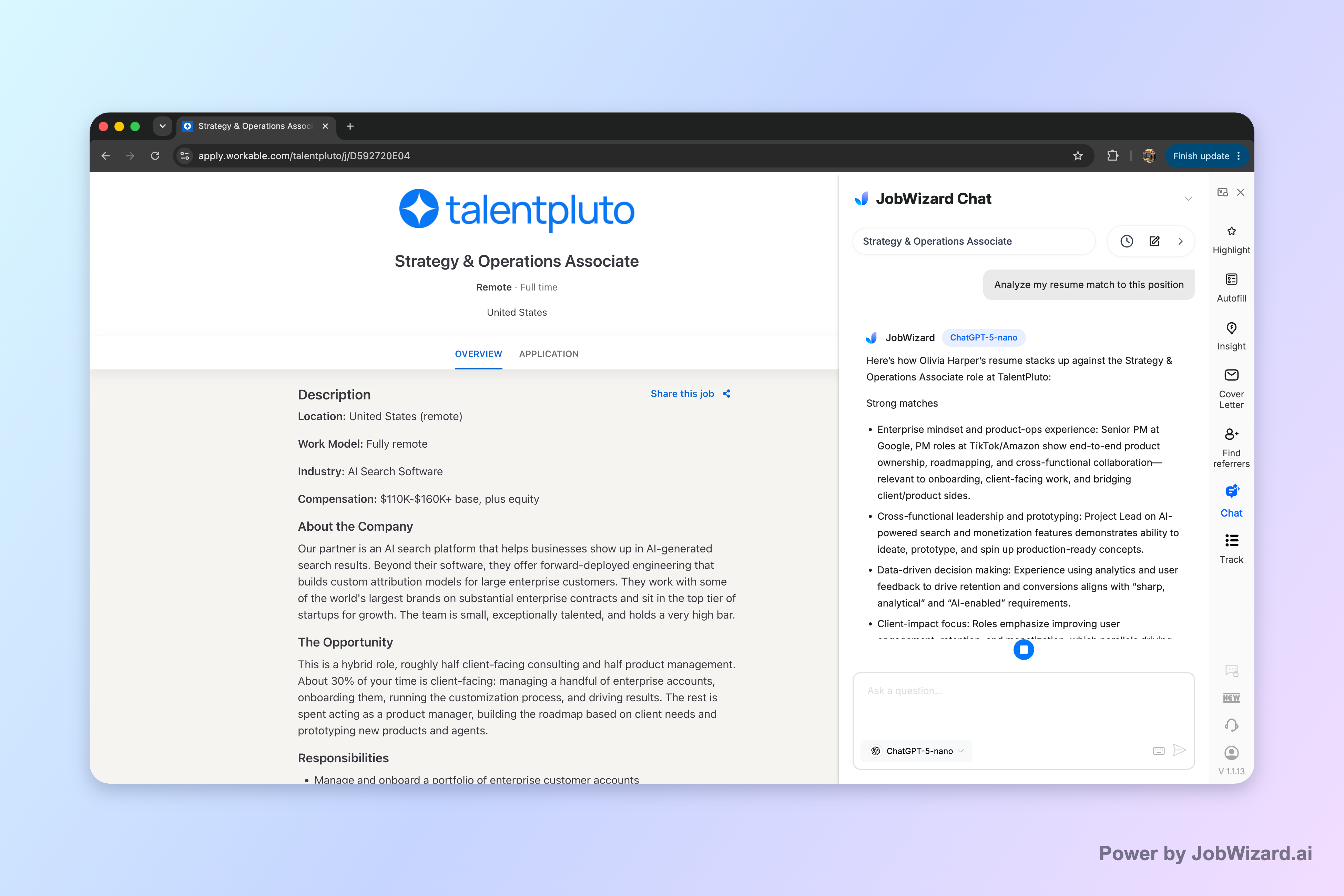
When you want help turning your resume and application strategy into better answers, consider using Career Chat. It keeps the current role in context so you can ask follow-up questions about resume fit and application strategy without re-pasting the job description. The goal is to help you craft your response thoughtfully—then you still decide what to submit. (Career Chat should not be treated as a recruiter decision or a qualification guarantee.)
If you’re looking for a broader approach to application answers (not just salary), anchor your process with How to Answer Job Application Questions: A Field-Tested Method for Confident, Consistent Responses, then layer in specialized guidance where you’re applying (for example, Greenhouse custom questions) using How to Answer Greenhouse Custom Application Questions Without Sounding Generic.
Do this automatically with JobWizard
Skip the manual work — JobWizard's Smart Autofill handles this for you.
FAQ: How to answer minimum salary question on application
Use these direct answers to common problems when the application asks for your minimum salary.
Should I enter a single number or a range for the minimum salary question?
If the form allows a range, use a range tied to your research (e.g., your target and a realistic low). If it only allows one number, enter the lowest figure you’d accept for this specific role and location—then be ready to negotiate later.
What should I do if my minimum salary doesn’t match the company’s likely budget?
Use a conservative “floor” number you can live with, not a number you’ll regret. If the form gives room for clarification, add a brief note like “Open to discussion based on total compensation and fit,” but always keep it within what you can justify.
Is it ever better to say “negotiable” instead of naming a minimum salary?
Sometimes, but only if the application accepts it and you’re prepared to discuss numbers quickly. If “negotiable” is the only option, ensure your follow-up answers (in Career Chat or in interviews) still reflect a realistic minimum you won’t go below.
How can I avoid locking myself in with the wrong number?
Treat the minimum salary field as a draft: confirm the job’s location, seniority, and pay band assumptions, then review your entered figure right before submission. JobWizard can help autofill repetitive fields so you can spend more time reviewing salary, sponsorship-related, EEO-related, and custom questions before submitting.
What if the application asks for minimum salary but also asks about salary history or desired compensation?
Use consistent logic across every salary-related field: your minimum should align with your desired compensation and your “walk-away” number. If you can only enter one figure, choose the most defensible one (often your minimum floor), then explain briefly elsewhere if the form provides space.
If you want to submit faster without losing control of sensitive fields like salary, JobWizard helps you autofill repetitive inputs and then review before you submit. Use JobWizard to speed up the busywork and keep your minimum salary answer accurate.
Frequently Asked Questions
Let AI answer these questions for you
JobWizard fills sponsorship, work-auth, and availability answers correctly on every application — free.