What to Name Resume File: A Clear, Professional Formula That Works
Not sure what to name resume file before applying? Use a simple, professional format that identifies you, stays easy to find, and fits the employer’s file requirements.

Free Chrome extension
See your resume's match score for any job
JobWizard compares your resume to each job description and shows the exact keywords to add — free.
What to name resume file before you apply
What to name resume file comes down to one rule: make it immediately clear whose resume it is and which document the file contains. A hiring team may download, save, or share your attachment, so use a professional filename instead of a vague label like “resume-final.pdf.” A dependable starting point is First-Last-Resume.pdf.
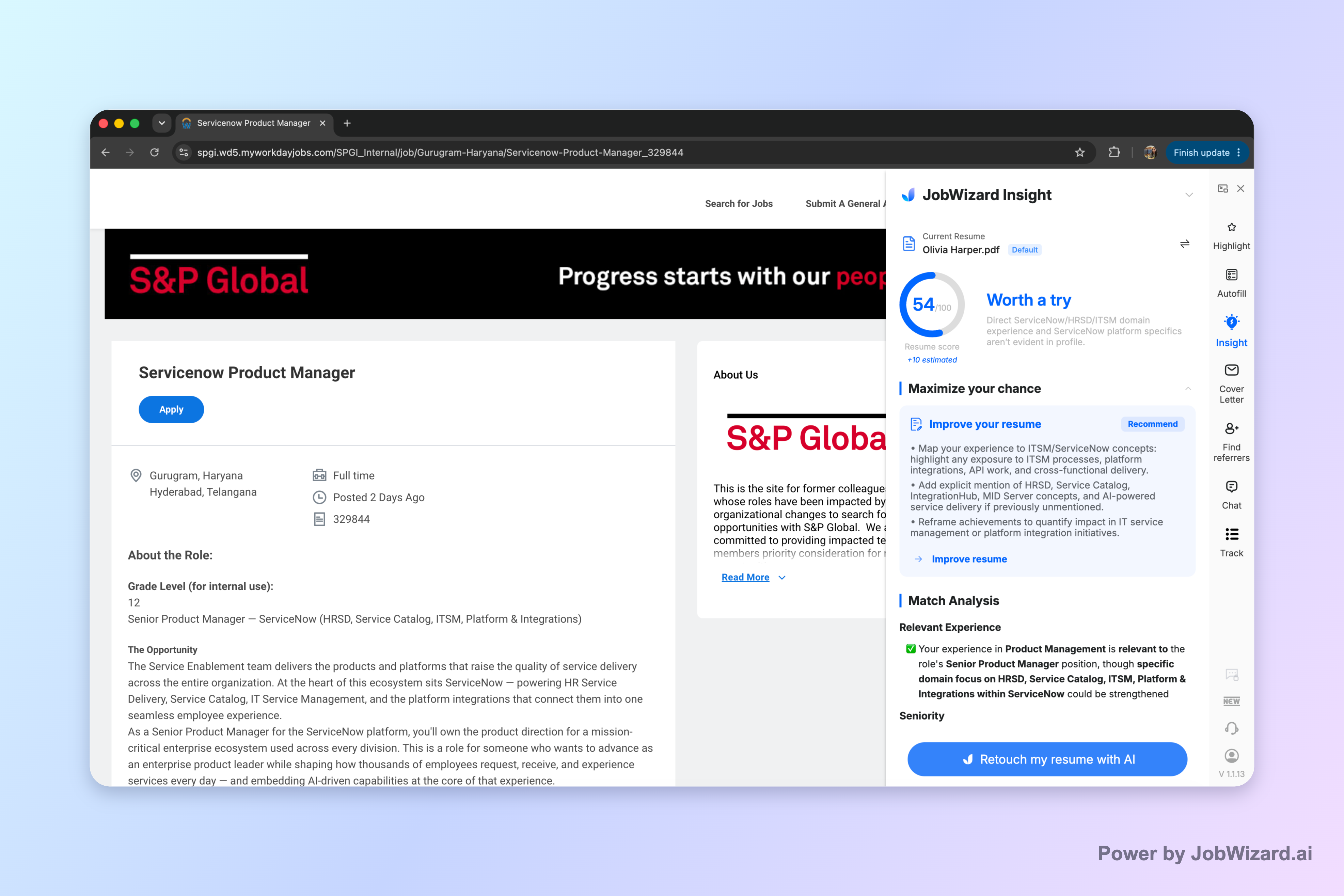
For example, “Jordan-Lee-Resume.pdf” is easy to recognize and identify. If you are preparing a version for a specific role, you could use “Jordan-Lee-Resume-Project-Manager.pdf,” provided the filename remains concise and follows the employer’s instructions.
For a broader application workflow, see How to Autofill Job Applications (Step-by-Step with JobWizard). It covers how to work through application fields while keeping answers that need your judgment under your review.
Build a resume file name that is clear and professional
A useful resume file name identifies you, labels the document, and avoids clutter. Put the information a recruiter needs near the beginning: your name first, then “Resume,” followed by an optional role or company label. Use a format that remains readable when the file is saved or viewed in an application system.
Choose one version of your name and use it consistently across your resume and application. If your full name is long, use the name you normally use professionally rather than cramming every name into an unwieldy filename.
A simple naming formula
Use your name plus “Resume” as the default, then add a short identifier only when it helps. These examples show how to adapt the formula:
- General application: “Jordan-Lee-Resume.pdf”
- Role-specific version: “Jordan-Lee-Resume-Project-Manager.pdf”
- Company-specific version: “Jordan-Lee-Resume-Acme.pdf”
- More than one professional focus: “Jordan-Lee-Resume-Operations.pdf” and “Jordan-Lee-Resume-Program-Manager.pdf”
Use the role or company label only if it helps you distinguish a tailored version. Keep the filename accurate: do not label a general resume for a particular job unless you have actually reviewed and tailored its contents for that opportunity.
What to leave out
Skip anything that looks informal, confusing, or like a private note to yourself. A filename should describe the document, not your drafting process. Avoid labels such as “final-final,” “newest,” “my resume,” “resume updated,” or “use this one.”
- Personal details: Do not put sensitive information such as a Social Security number or birth date in a filename.
- Unclear abbreviations: Use a recognizable role or company label rather than shorthand a recruiter may not understand.
- Excessive detail: A long string of skills, keywords, and job titles makes the file harder to scan.
- Unprofessional wording: Keep jokes, casual comments, and personal reminders out of the filename.
If you save several drafts, distinguish them in your own file organization while editing. Before you apply, choose the version that matches the job, give it a clean final filename, and make sure the document itself is ready to send.
Choose PDF or Word based on the employer’s instructions
For PDF or Word resume files, the employer’s requested format takes priority over general advice. Check the job posting and upload instructions before you save or attach anything. If the employer asks for a particular file type, use that type rather than guessing.
If the application accepts both and gives no preference, PDF is often a sensible choice when preserving the document’s appearance matters. Word may be the better fit when the employer requests an editable document or the application specifically asks for a .doc or .docx file.
Quick format decision
- Instructions specify PDF: Upload the PDF version.
- Instructions specify .doc or .docx: Provide the requested Word file.
- Both formats are accepted: Choose based on the employer’s preference and the needs of the application.
- No format guidance is available: Use a clean, readable file that the application accepts, and review it after upload.
Do not assume that changing a document’s extension changes its format. Export or save the resume correctly, then open the resulting file to check that the text, spacing, and page breaks look as expected.
Keep the filename and file type consistent
The extension at the end of the filename should match the document you are actually uploading. A PDF should end in “.pdf,” while a Word document should use the appropriate “.doc” or “.docx” extension. If you convert a file, confirm that you are attaching the converted version, not the earlier draft.
When applying through a job site, follow both the site’s accepted formats and the employer’s directions. For a walkthrough of a specific application platform, read How to Upload Resume to Indeed Without Losing the Right Version.
Check the resume version before you upload it
A polished filename cannot fix an outdated or mismatched resume, so verify the document before attaching it. Open the file and check that it contains the right contact details, relevant experience, and role-specific revisions. Then confirm the filename and file type match what the application asks for.
This check matters when you keep multiple versions for different roles. A clear name can help you select the right draft, but it is not proof that the contents are tailored or current.
A quick pre-upload review
- Match the job: Confirm you selected the resume intended for this role.
- Check the content: Review your contact information, experience, and any changes made for the opening.
- Confirm the format: Make sure the file type meets the application instructions.
- Use a clean filename: Include your name and “Resume,” with an optional short role or company label.
- Review the uploaded copy: If the site displays or lets you open the attachment, verify it is the correct document before submitting.
For a broader look at autofill tools, these explain what to verify before relying on the service: simplefill reviews: What the Autofill Tool Actually Does—and What to Verify and Scale Jobs Reviews: What to Check Before You Trust the Service. Regardless of the tool, review the resume and application details yourself before submitting.
Do this automatically with JobWizard
Skip the manual work — JobWizard's Smart Autofill handles this for you.
FAQ about what to name resume file
These quick answers cover common filename and file-format questions. Follow the employer’s instructions whenever they specify how to name or upload your resume.
What should I name my resume file?
Use your first and last name, the word “Resume,” and optionally the job title or company, such as Jordan-Lee-Resume-Project-Manager.pdf. Keep it professional, easy to recognize, and consistent with the employer’s file instructions.
Should I include the company name in my resume file name?
You can include the company name when you are preparing a tailored version for that employer, such as Jordan-Lee-Resume-Acme.pdf. Leave it out if the name makes the filename too long or you may reuse the document for other applications.
Is PDF or Word better for a resume?
Follow the employer’s instructions first. If the application accepts either format, PDF generally preserves your layout, while Word can be appropriate when the employer or application specifically requests a .doc or .docx file.
What to name resume file when uploading it to a job site?
Use a clear name that identifies you, such as Jordan-Lee-Resume.pdf, and follow the job site’s accepted file types and the employer’s instructions. Check the uploaded document before submitting to make sure it is the correct version.
Before you send the application, give the file a recognizable name and review the resume inside it. Then check the upload and application details yourself so the right document goes to the right opportunity.
Frequently Asked Questions
See your resume's match score for any job
JobWizard compares your resume to each job description and shows the exact keywords to add — free.