How to Answer “How Soon Can You Start” (Without Sounding Locked In)
Learn how to answer how soon can you start with timing language that stays flexible and credible. Includes scripts, examples, and follow-up tips.

Free Chrome extension
Let AI answer these questions for you
JobWizard fills sponsorship, work-auth, and availability answers correctly on every application — free.
You’re staring at the application field (or the recruiter’s email) asking how to answer how soon can you start. If you answer too fast, you may lock yourself into a date you can’t hit. If you answer too late, you can accidentally look less committed—even when you just need a reasonable transition.
The goal is simple: communicate a credible earliest start date (or range), show you understand onboarding timing, and leave room for coordination. Below are scripts for the most common situations, plus a quick workflow to keep your timing message consistent across application and interview.
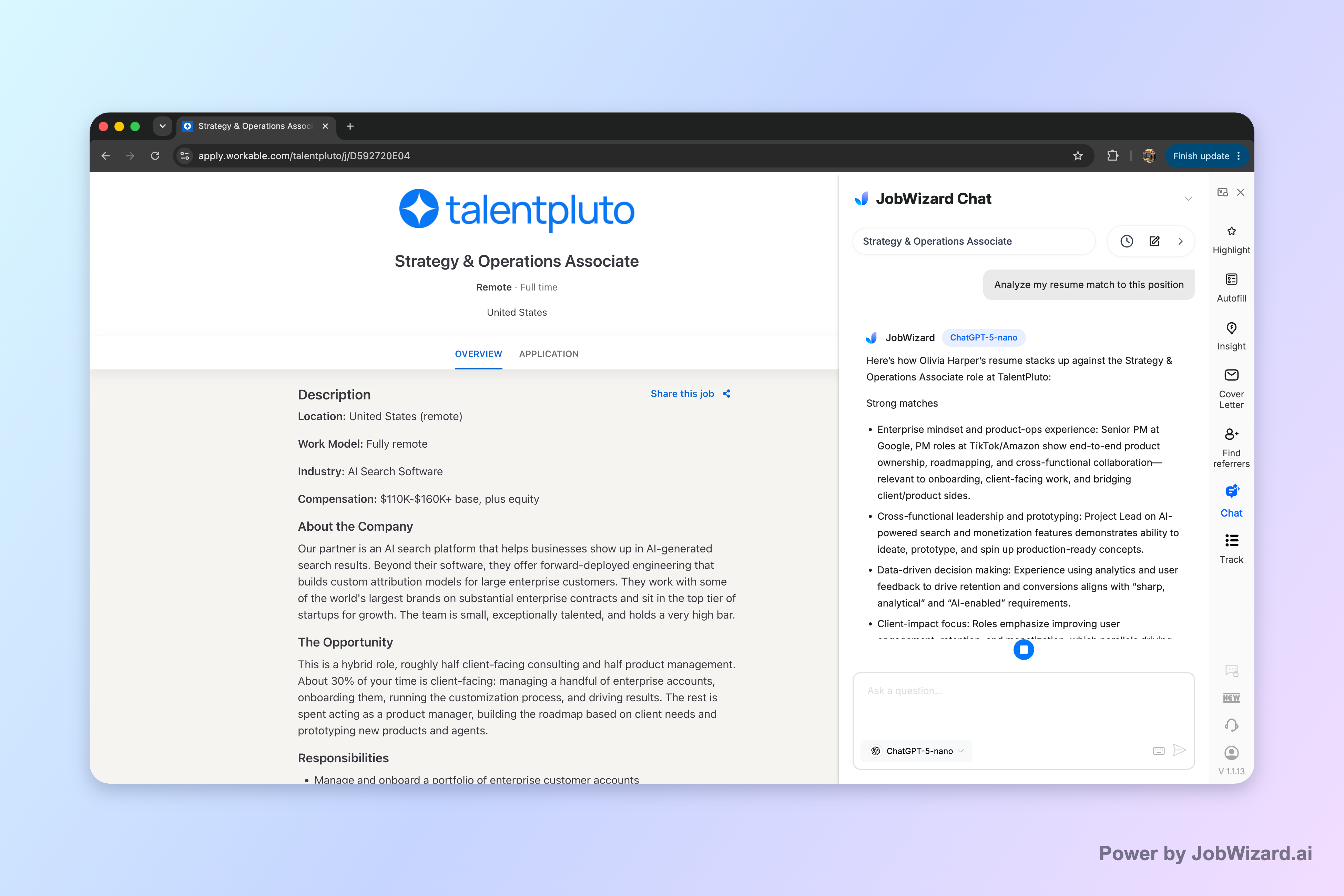
Answer “How soon can you start” with a credible earliest date plus a flexibility line
The best answers follow a repeatable pattern: earliest start + short reason + confirmation of flexibility. You don’t need a long story—just enough context that the recruiter can plan onboarding.
Here’s the structure that works in both applications and interviews:
- Earliest date: Give the first day you can realistically begin.
- Reason in one line: Notice period, end date, school, or pending release—keep it brief.
- Flexibility confirmation: Indicate you can adjust if the team has an earlier workable option or needs a specific onboarding window.
For example, you can say something like: “My earliest start date is [date]. I’m currently in a role with a notice period, and I can also align to your onboarding timeline.”
Use scripts for the scenarios recruiters actually expect
Recruiters typically hear the same few timing situations. The easiest way to sound professional is to match your answer to your real constraint and keep it concise—so the recruiter can move forward.
Pick the closest script below and customize the bracketed details.
1) You can start immediately
Best for: Available today/this week and can attend onboarding promptly.
Script: “I can start immediately. I’m available for orientation/onboarding starting [day/time], and I can begin on [first working day].”
- Tip: Add a practical detail (first day, onboarding session availability) so it sounds real.
2) You have a standard notice period (common case)
Best for: You’re employed and need a transition window.
Script: “My earliest start date is [date]. I’m currently serving a notice period, and I can coordinate to begin on a date that supports your onboarding schedule.”
- Tip: Avoid over-explaining. One sentence is enough.
3) You’re waiting on an end date, paperwork, or release
Best for: You don’t know the exact day yet, but you have a known timeline.
Script: “I expect to be able to start around [range or estimated date] because [brief constraint]. If you have a preferred start window, I can confirm the exact date as soon as it’s finalized.”
- Tip: Use a tight range if you’re uncertain—too broad sounds unprepared.
4) You’re transitioning from school or training
Best for: End of term, graduation date, certification completion.
Script: “My earliest start date is [date]. I’m finishing [program/training] through [timeframe], and I can begin work as soon as that completes. I’m also flexible to align with your onboarding.”
5) You have a planned commitment (travel, caregiving, medical recovery)
Best for: You can start later because you must, not because you want to.
Script: “I can start on [date]. I have a pre-scheduled commitment that ends then, and after that I’ll be available full-time and ready for onboarding.”
- Tip: Keep the reason factual; you don’t need to provide private details.
Decide between a date vs. a range using one rule
When you’re learning how to answer how soon can you start, the date-versus-range choice is where people get tripped up. The rule is: if you know it, state it; if you don’t, estimate with a tight window.
Here’s a practical decision guide.
| What’s true about your timing? | What to say in the application/interview | Example wording |
|---|---|---|
| You have a confirmed first day you can work | Use a specific date | “My earliest start date is June 3.” |
| You have a known constraint but exact day may shift slightly | Use a tight range | “I can likely start between June 3–June 10.” |
| You’re waiting on a final step with a predictable timeline | Use an estimate + confirmation promise | “I expect mid-June, and I can confirm the exact date as soon as I have the release.” |
| You’re uncertain and can’t estimate realistically | Ask for their start window and propose your best earliest estimate | “What start window are you targeting? My earliest estimate is early next month.” |
Why this matters: recruiters plan hiring around onboarding. A tight, confident answer reduces back-and-forth and makes you feel dependable.
Keep your message consistent across application, interview, and follow-up
Consistency is what makes your timing sound trustworthy. If you say “two weeks” in the application but “immediately” in an interview, you create avoidable uncertainty.
Use this quick workflow to keep everything aligned:
- Write your “earliest day” once: Decide the earliest you can truly start and store it in notes.
- Create one short version: 1–2 sentences that include earliest date/range + brief reason + flexibility.
- Mirror the format of the question: If the form asks for a date, provide the date you can stand behind.
- Review before submit: Make sure sponsorship/salary/EEO/custom questions don’t distract from the timing accuracy.
- Confirm in follow-up: If you learn a more precise date later, update promptly with the same wording.
JobWizard autofills repetitive fields quickly and then you review the full application before you submit—so your timing answer stays under your control while the fast parts get handled.
If you’re tailoring your overall application strategy, you can also use Career Chat to keep your current role in context while you plan how to respond to common recruiter questions (including timing). The key is to verify any drafted wording against the job description before sending.
Do this automatically with JobWizard
Skip the manual work — JobWizard's Smart Autofill handles this for you.
FAQ: how to answer how soon can you start
What’s the best answer when I can start immediately?
Say you can start immediately, then add a practical detail (availability window, onboarding timing, or when you can begin working your first day) so it sounds realistic, not vague.
If I’m working my notice period, how do I say it without hurting my chances?
Give the earliest day you can reasonably start, briefly reference your notice period, and offer flexibility (e.g., start on a date that works for onboarding) while keeping the explanation short.
Should I give a specific date or a range?
Use a specific date if you truly know it. If you’re waiting on a final step (release date, paperwork, scheduling), use a tight range (a few days to a couple weeks) and confirm you can adjust.
What if I don’t know yet when I can start?
Answer with what you can control: your earliest estimate and the reason you’re waiting on a known constraint. Then ask for the team’s preferred start window so you can align.
How do I handle follow-up after submitting an application?
If the application asks for timing, submit what you can confidently commit to and review before sending. For follow-up, reply promptly with the same wording and offer to confirm as soon as you have the exact date.
JobWizard CTA: If you’re applying to multiple roles with the same timing questions, use JobWizard to autofill repetitive application fields fast and then review everything before you submit—so your “how soon can you start” answer stays accurate. Start with JobWizard today and keep your timing consistent across every application.
Frequently Asked Questions
Let AI answer these questions for you
JobWizard fills sponsorship, work-auth, and availability answers correctly on every application — free.