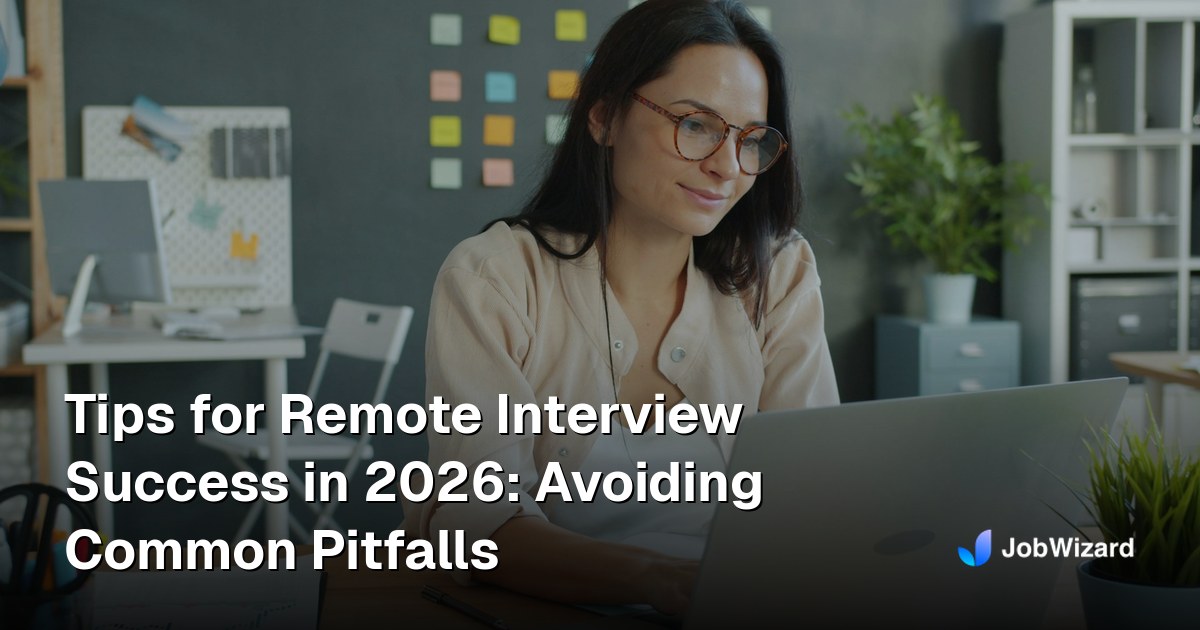
Tips for Remote Interview Success in 2026: Avoiding Common Pitfalls
Get ready to ace remote interviews in 2026 with our expert tips. From technical prep to body language, learn how to avoid common pitfalls and land your dream job....
Free Chrome extension
Autofill your next job application
JobWizard is a free Chrome extension that fills applications, tracks statuses, and optimizes your resume.
Tips for Remote Interview Success in 2026: Avoiding Common Pitfalls
Ready to nail that remote interview and land the job you’ve been eyeing? In 2026, almost every hiring team starts with a video call, and the first impression happens on screen. This guide shows you how to turn those virtual screens into your advantage. From technical prep to perfect body language, we’ll cover everything you need to boost remote interview success and avoid the most common missteps. And, if you’re juggling dozens of applications, JobWizard can streamline your resume, match score, and cover letter—all so you focus on what matters most: the interview itself.
Why Remote Interviews Are the New Normal in 2026
Remote hiring isn’t a trend—it’s the foundation of modern recruitment. Companies use platforms like Greenhouse, Lever, and iCIMS to manage virtual interviews, but for you, the key is to stay flexible and tech‑savvy. In 2026, the average hiring cycle drops from 30 days to under 14 when candidates are fully prepared for online chats. That speed means you need to show your best self in the first 30‑second video. JobWizard helps by auto‑filling your ATS forms, ensuring your resume is ATS‑friendly, and giving you a match score so you know exactly where you stand.
Gear Up: Technical Checklist Before the Call
A glitchy video call can ruin the vibe before it even starts. Treat your setup like a rehearsal: test, test, test.
Pro tip: Record a quick demo on your phone and watch it to spot lighting, audio, and background issues.
- Check your internet speed—aim for at least 3 Mbps upload.
- Use a wired Ethernet connection or a strong Wi‑Fi spot; avoid public hotspots.
- Close background tabs, log out of unrelated accounts, and silence notifications.
- Set up a neutral background: a plain wall, a bookshelf, or a professional backdrop.
- Use a good webcam and external microphone; many laptops have decent built‑in options, but a USB mic can make a difference.
- Run a test call with a friend or use the platform’s “test interview” feature if available.
- Prepare backup devices—have a smartphone ready in case of laptop failure.
- Upload your updated resume to JobWizard so it’s instantly accessible for the hiring team.
Mastering the Virtual Stage: Presentation and Body Language
When you’re on camera, your body speaks louder than your words. Keep these habits in mind:
- Eye contact: Look into the camera, not the screen, to simulate eye contact.
- Posture: Sit up straight, shoulders back, and keep the camera at eye level.
- Smile genuinely: A warm smile conveys enthusiasm and confidence.
- Hand gestures: Keep them subtle—over‑gesturing can be distracting on a small screen.
- Speak clearly and pace: Speak at a moderate pace; pause briefly after each answer.
- Use the “Rule of Three” for framing: Place your face in the upper third of the frame, with a little space above your head.
Remember, you’re not just answering questions—you’re showcasing the best version of yourself. JobWizard’s cover letter generator can help you craft a brief, compelling narrative you can refer to during the interview, making it easier to stay on topic.
Answering Questions Like a Pro: STAR Method and Beyond
The STAR framework (Situation, Task, Action, Result) remains the gold standard for behavioral questions. It’s concise, easy to follow, and shows clear impact. Practice framing your stories in 3‑4 sentences each, so you stay within the typical 60‑second answer window.
- Choose 3–5 core stories that highlight leadership, problem‑solving, teamwork, and adaptability.
- Quantify results whenever possible (e.g., “increased sales by 15% in 6 months”).
- Link each story to the job role’s key competencies.
- Rehearse with a friend or record yourself to spot filler words like “um” and “you know.”
When the interviewee asks “Tell me about a time you…” you’ll be ready. JobWizard’s resume optimization feature can pull out the exact achievements and keywords that align with the role, so you’re always prepared to cite real examples.
Avoiding Common Remote Interview Pitfalls (and How to Fix Them)
Even the best candidates can fall into a few classic traps. Here’s how to sidestep them:
- Not testing your tech: Do a mock run with a friend or use the platform’s “prep” mode. If you discover a lag, switch to a better connection or adjust the video quality.
- Background noise: Use noise‑cancelling headphones and choose a quiet room. Inform housemates or coworkers about your interview time.
- Distracting background: Keep it simple. If you can’t avoid a messy room, use a virtual background or a plain backdrop.
- Missing the call on time: Set a reminder for 15 minutes before the scheduled time. Log on 5 minutes early to ensure everything loads.
- Failing to research the company: Spend 10 minutes on LinkedIn, the company website, and recent news. Mention specific initiatives or values that excite you.
- Over‑reading from the screen: Practice speaking off‑screen. Use bullet points in your notes, not a full script.
- Ignoring the match score: If your JobWizard match score is low, tweak your resume and cover letter to align better with the role’s keywords.
By addressing these pitfalls ahead of time, you’ll reduce stress and shine in the actual interview.
Post‑Interview: Follow‑Up and Next Steps
A timely follow‑up can be the difference between a “maybe” and a “yes.” Within 24 hours, send a personalized thank‑you email. Reference something you discussed and reiterate your enthusiasm for the role.
Sample email snippet: “Thank you for taking the time to discuss the Senior Product Manager position. I was excited to learn about your upcoming AI product roadmap and share how my experience leading cross‑functional teams aligns with your goals.”
After the email, keep your calendar open for a potential second interview. In the meantime, keep honing your skills—take a short online course or read an industry article. If you’re still applying, let JobWizard keep you on track; its referral finder can surface connections who already work at the company, giving you an extra edge.
Do this automatically with JobWizard
Skip the manual work — JobWizard's Smart Autofill handles this for you.
Ready to Level Up Your Remote Interview Game?
Mastering remote interviews is about preparation, presentation, and post‑call follow‑up. With the right tech setup, practiced STAR responses, and a calm mindset, you’ll turn every virtual chat into a stepping stone to your next job. Don’t forget—JobWizard is here to make the whole process smoother: auto‑fill your application, boost your match score, and generate polished cover letters. Install JobWizard now and start your journey to remote interview success!
Frequently Asked Questions
Q: How can I quickly test my webcam and microphone before a remote interview?
A: Open your browser’s camera settings or use a free online tool like TestYourCam. Record a short video, review the audio levels, and adjust your mic volume or switch to an external mic if needed.
Q: What should I do if the interviewer asks a question I don’t know how to answer?
A: Pause briefly, stay calm, and give a truthful answer. You can say, “I’m not entirely sure, but here’s how I would approach it…” and then outline a logical solution. It shows critical thinking and honesty.
Q: How can I ensure my resume is ATS‑friendly for remote positions?
A: Keep your formatting simple—use standard fonts, avoid tables or graphics, and include relevant keywords. JobWizard checks ATS compatibility and gives you a match score.
Q: Is it okay to ask the interviewer questions during a remote interview?
A: Absolutely! Prepare 3–5 thoughtful questions about company culture, team dynamics, or project timelines. It demonstrates genuine interest and engagement.
Q: Can I use a phone for the remote interview instead of a laptop?
A: Yes, if your phone camera and mic are reliable and you have a stable internet connection. Ensure the interview platform supports mobile apps and that you have a charger or power bank handy.
Frequently Asked Questions
Autofill your next job application
JobWizard is a free Chrome extension that fills applications, tracks statuses, and optimizes your resume.