Can an AI Agent Apply to Jobs for You? What Agents Do Well, and the One Step to Keep
AI agents can research roles, keep your tracker current, and draft follow-ups. They should not fill in and submit the application. Here is where the line goes, and a 30-minute workflow that keeps you in control.
Free Chrome extension
Autofill your next job application
JobWizard is a free Chrome extension that fills applications, tracks statuses, and optimizes your resume.
Yes, an AI agent can apply to jobs for you. Several tools will take a resume and a list of postings and submit applications while you sleep. The better question is whether you want them to, because the application form is the one place in a job search where a wrong answer is sent under your name, to an employer, with no undo. This guide draws the line: what an agent genuinely does well in a job search, where it fails on the application itself, and the one step to keep for yourself.
Three terms get mixed up in this conversation, so here they are up front:
Auto-apply bot. Software that submits applications without you seeing them. Volume is the product.
AI agent. A model that can plan multi-step work and use tools: search, read pages, update a spreadsheet, draft an email. It does what you delegate, and it is only as good as the tools and approvals you give it.
Autofill with review. Software that fills the employer’s real application form in front of you, tailors your materials, and leaves the review and the submit button to you.
The first is what people fear when they ask “can AI apply to jobs for me.” The second is where the real time savings are. The third is how the application step should work.
What an AI Agent Does Well in a Job Search
Most of a job search is not the application. It is finding roles worth applying to, keeping track of them, preparing for the conversations, and following up. That work is repetitive, text-based, and easy to check afterwards, which is exactly what agents are good at.
1. Research and a shortlist you can evaluate
Give an agent a target role, a few example companies, and your constraints (location, seniority, visa, salary floor), and have it come back with a shortlist: company, role, posting date, why it matches, and what looks off. The output is a table you can read in five minutes and disagree with. Ask for sources on every claim so you can check the ones that matter.
2. A tracker that stays current
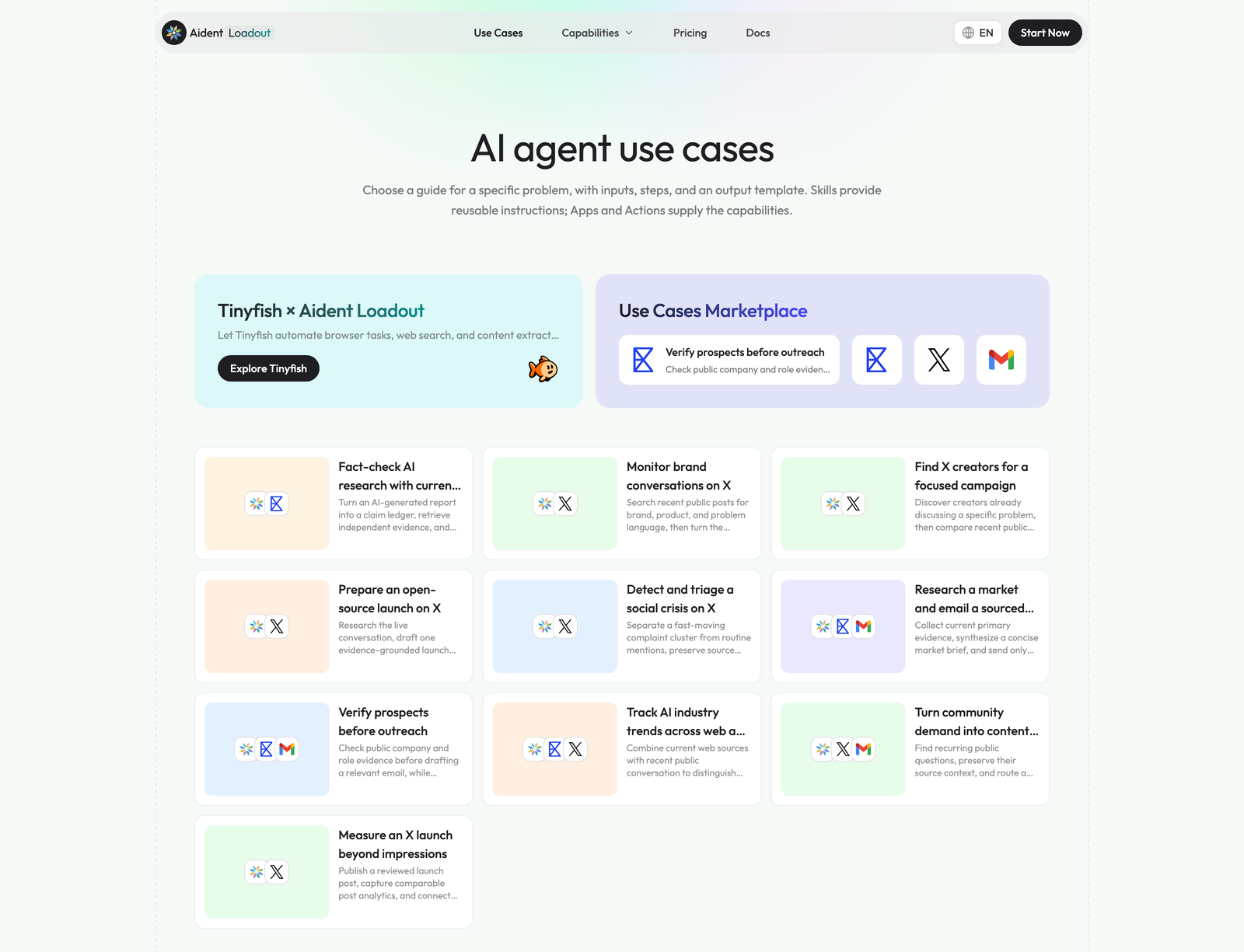
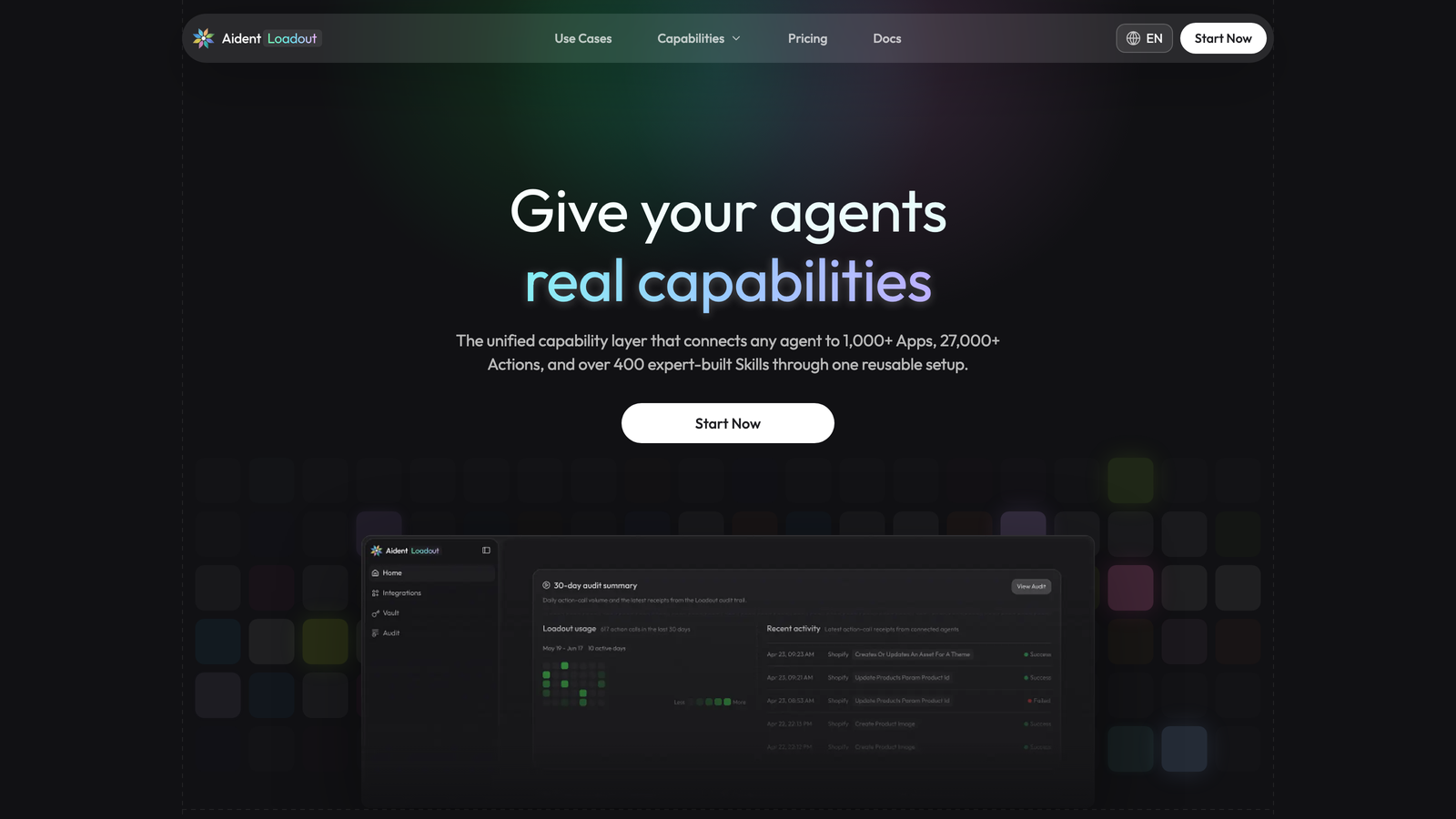
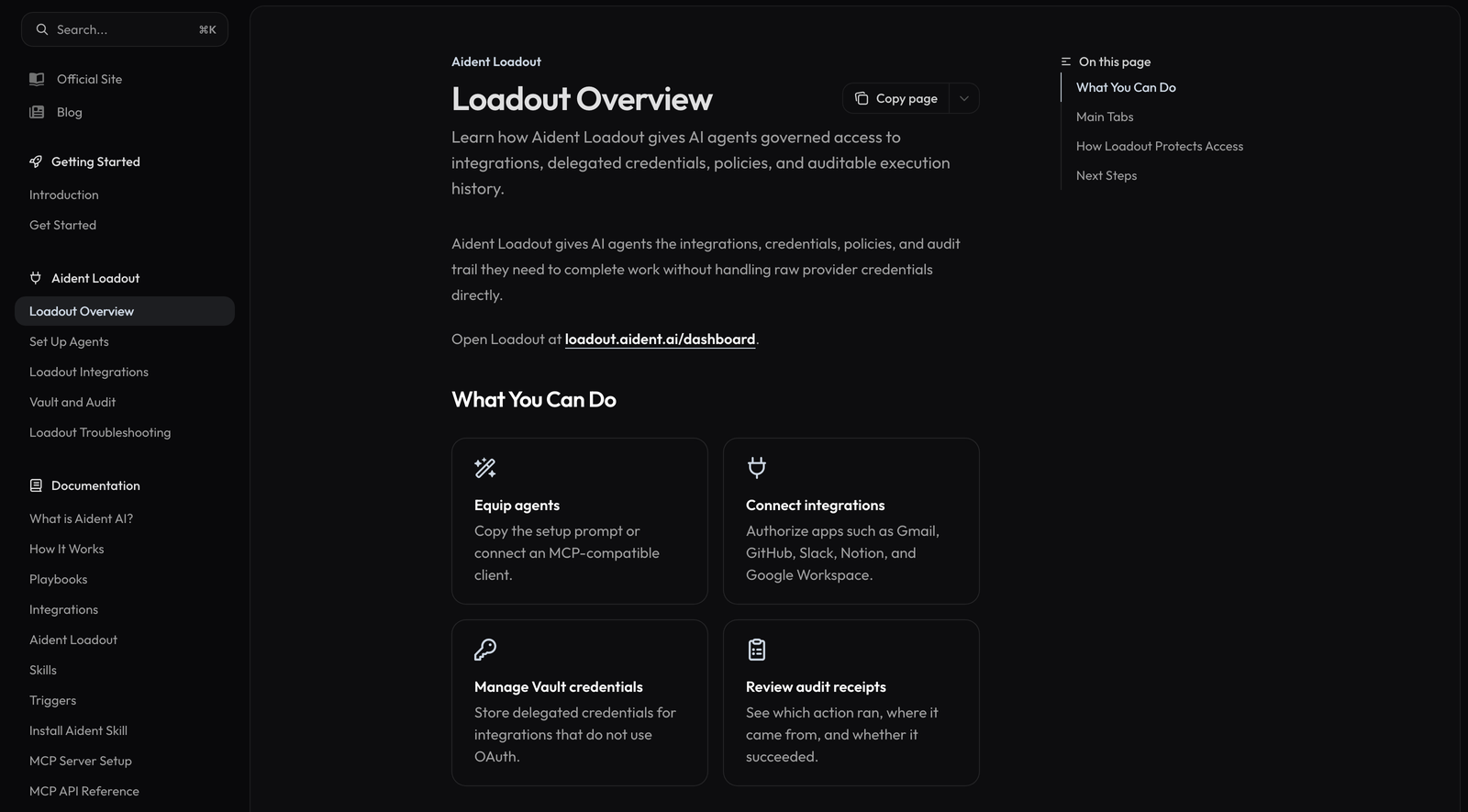
The tracker is the first thing that dies in a real job search. An agent can create the entry when you save a posting, log the status when a recruiter email arrives, and flag the ones that have gone quiet for two weeks. This only works if the agent can reach your calendar, email, and spreadsheet. Connecting agents to those accounts is its own problem, and tools such as Aident Loadout exist to solve it: you connect your accounts once through OAuth or a credential vault, reuse the same connections across the agents you already use (Claude Code, Codex, Cursor, ChatGPT, and other MCP clients), and review each action call in an audit log afterwards. The audit log is the part to insist on. If an agent updated your tracker, you should be able to see what it read and what it wrote.
3. Interview examples you can defend
Hand the agent your own resume and the job description and ask for the five questions this interviewer is most likely to ask, with a draft answer for each built from your real history. The drafts will be generic; the value is that you now have a list to correct, which is faster than starting from a blank page. Never accept an example you did not actually live through.
4. Follow-ups drafted from the actual conversation
After a screening call, give the agent your notes and have it draft the thank-you email and a calendar reminder for the follow-up. You read it, fix the tone, and send it yourself.
Notice the pattern. Every one of these produces something you review before it reaches another person. That is the property to protect when you get to the application.
Where Agents Fail: The Application Form Itself
Auto-apply bots and general-purpose agents run into the same four problems on an employer’s application form, and none of them are fixed by a better model.
Custom questions have no safe default. “Why do you want to work here?”, “Describe a time you disagreed with a manager”, “Are you authorized to work in this country?” A bot either skips these, pastes something generic, or guesses. A generic answer to a screening question is a rejection; a wrong answer to a legal question is worse.
Autofill without review puts the right data in the wrong field. Workday, Greenhouse, Lever, iCIMS, and SmartRecruiters all label their fields differently and change them without notice. Software that fills a form and submits it in the same motion has no chance to catch a start date in the end-date field or a phone number in a postcode box. Software that fills and then stops does.
Volume creates duplicates and noise. Applying to forty roles a week sounds productive until the same company sees you apply for three different levels of the same job in one afternoon. Recruiters notice, and applicant tracking systems flag duplicates.
You will be asked about answers you did not write. Every field in an application can come up in an interview. If a bot wrote your “most significant achievement,” you find out what it said when the interviewer reads it back to you.
The honest summary: an agent can get you to the application with better information than you would have gathered alone. It should not be the one to fill in and send it.
The One Step to Keep: Fill, Review, Submit
Keeping the application step does not mean typing it all by hand. It means the form gets filled on the employer’s real page, you read every field, and you press submit. JobWizard is built for exactly this step: a Chrome extension that works on the application page itself and stops before submission.
Compare the role with your resume before you start
Open the posting, and JobWizard compares the active job description with the resume you selected: what matches, what is missing, and what to strengthen before you apply. This is where an agent’s shortlist meets reality; a role that looked right in a table sometimes fails the match check, and that is a good reason not to apply.

Fill the form, then check every field
JobWizard autofills the repetitive fields across Workday, Greenhouse, Lever, Ashby, iCIMS, SmartRecruiters, and hundreds of other application platforms, tailors your resume and cover letter to this job description, and drafts answers to the custom questions for you to edit. Then it stops. You read the completed form the way the recruiter will, fix what needs fixing, and submit it yourself. Smart Autofill publishes how well it fills each ATS in production, so “supported” is a measurement rather than a promise, and it remembers the corrections you approve so the next form on the same platform starts better.

Keep a record after you submit
Once you submit, the application shows up in your JobWizard dashboard with the role, the platform, and the support you used for it. That record is what your agent’s tracker should read from, not the other way round.

A 30-Minute Test on One Posting
Do not redesign your whole search around agents. Run the workflow once and see what it saves.
Pick one role you would genuinely take.
Ask an agent for a sourced brief: what the company does, what the team ships, what the job description is really asking for, and three questions you should be ready to answer. Read it. Check two of the sources.
Open the application in your browser. Run the match check against your resume. If it fails badly, stop here; the agent’s brief was wrong about fit, and you have saved an hour.
Autofill the form, tailor the resume and cover letter, draft the custom answers. Read every field. Submit.
Have the agent log the submission in your tracker and set a follow-up reminder for ten days out.
Time the whole thing. Most people find the research and tracking steps were the ones eating their week, and that the application itself, done with autofill and review, takes ten minutes.
Red Flags in Tools That Promise to Apply for You
It submits without showing you the completed form.
It cannot tell you which platforms it supports, or how well.
It answers legal or eligibility questions (work authorization, sponsorship, background checks) on your behalf.
It measures success in applications sent rather than interviews booked.
It needs your email password, not an OAuth connection you can revoke.
It leaves no log of what it did.
Any one of these is a reason to walk away. The last one applies to agents too: whatever you delegate, keep the receipt.
Frequently Asked Questions
Is it safe to let AI apply for jobs for me? Letting AI fill the application is safe when you review every field before it is sent. Letting AI submit applications you have not read is not, because the answers go to an employer under your name and cannot be recalled.
Do auto-apply bots actually work? They send applications; that part works. What they cannot do is answer custom questions well, avoid duplicate applications to the same employer, or tailor your materials to the role, which is why volume from bots rarely turns into interviews.
What is the difference between an AI agent and autofill? An agent plans and executes multi-step tasks across tools: research, tracking, drafting. Autofill works on one page, the application form, filling the fields from your profile. JobWizard is autofill with a review step, not an agent, and it is not an integration of any agent platform; you operate it yourself on the employer’s page.
Can an agent fill a Workday or Greenhouse application? Some can attempt it, but these platforms change field labels and multi-step flows constantly, and an agent driving a browser has no measured support per platform. A purpose-built autofill that publishes its per-ATS coverage and stops before submission is the safer choice.
Will employers know I used AI? Employers see the application, not the tool. What they notice is generic answers, wrong fields, and duplicate submissions, which are the symptoms of automation without review. An application you filled with help and read carefully looks like a careful application.
Do This Step by Step With JobWizard
Let an agent do the research, the tracking, and the drafts, and keep receipts for all of it. Then use JobWizard on the application page: check the match, autofill the form, tailor the materials, review every field, and submit it yourself. For the agent side of this workflow in more depth, Aident’s guide to what to delegate to an agent in a job search covers the shortlist, tracker, and follow-up steps with worked examples, and aident.ai is where to connect the tools those agents will need.
Do this automatically with JobWizard
Skip the manual work — JobWizard's Smart Autofill handles this for you.
Frequently Asked Questions
Autofill your next job application
JobWizard is a free Chrome extension that fills applications, tracks statuses, and optimizes your resume.