
Best Chrome Extension to Autofill Job Applications in 2026
Use JobWizard to autofill job applications in Chrome across Workday, Greenhouse, Lever, and more. Fill repetitive fields while you review before submitting.

Free Chrome extension
Autofill your next job application
JobWizard is a free Chrome extension that fills applications, tracks statuses, and optimizes your resume.
💡 Why You Need a Job-Specific Autofill Tool
Job hunting is already stressful enough. Manually filling out the same forms hundreds of times only adds to the pressure.
Every job post asks for your name, email, education, work history, and often long-form questions like "Why do you want this role?" It's repetitive, time-consuming, and mentally draining.
That’s why we built JobWizard Autofill — to help you apply faster, smarter, and with less effort.
Fast path: install the JobWizard job application autofill Chrome extension, or compare the full AI job application autofill workflow before you start your next application.
✅ What JobWizard Autofill Can Do
- One-click form completion for all essential fields: name, education, experience, and more
- Works across platforms like Workday, Greenhouse, Lever, Ashby, iCIMS, and more
- AI-generated answers to open-ended questions like “Why this job?”
- Editable suggestions — click to regenerate, improve, or customize answers
- Active learning — remembers how you answer and updates your defaults automatically
- Resume-aware — uses the content of your resume to generate more relevant, contextual responses
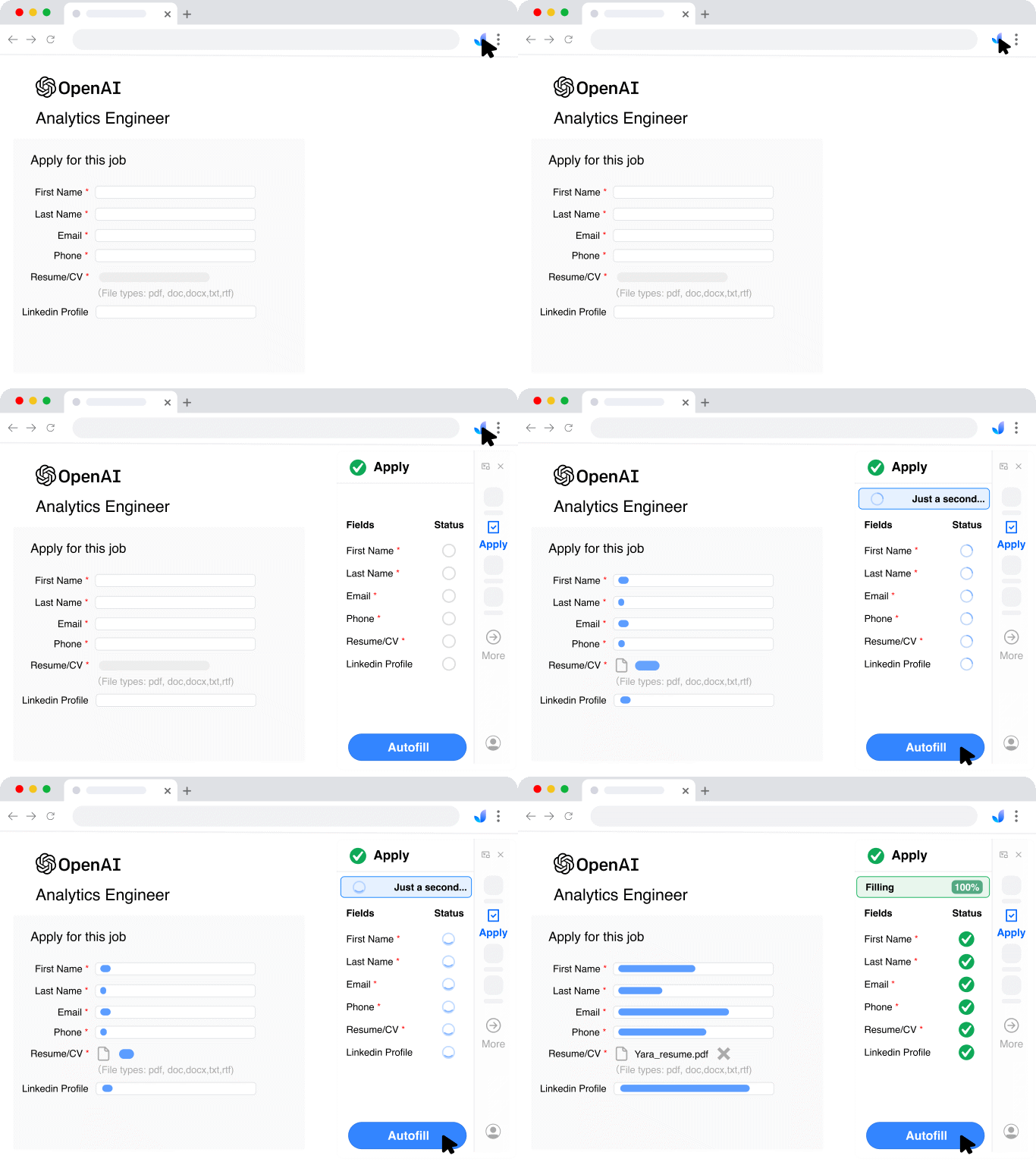
Do this automatically with JobWizard
Skip the manual work — JobWizard's Smart Autofill handles this for you.
Autofill your next job application
JobWizard is a free Chrome extension that fills applications, tracks statuses, and optimizes your resume.